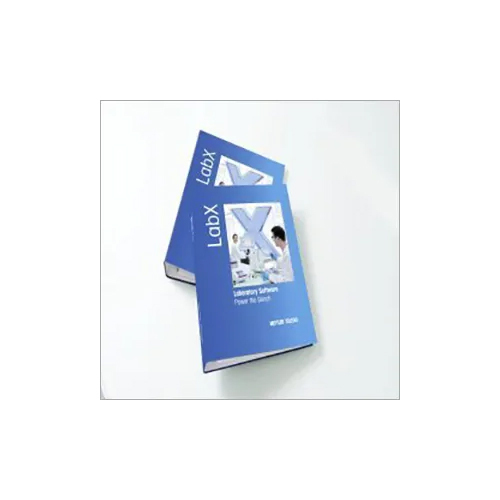

Product Description
LabX Balance Software is a software solution developed by Mettler-Toledo for laboratory weighing applications. It is designed to help users automate and streamline the weighing process, from sample preparation to data analysis.
The software offers a range of features, including:
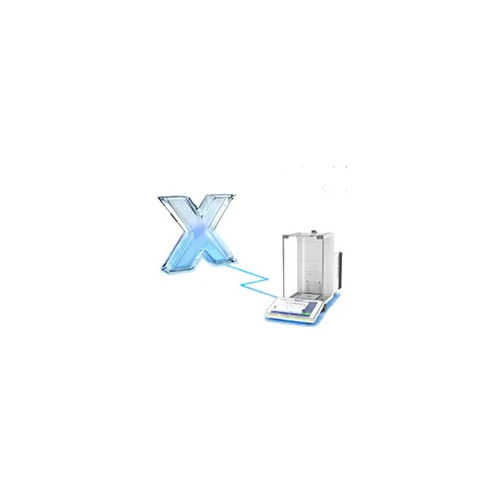
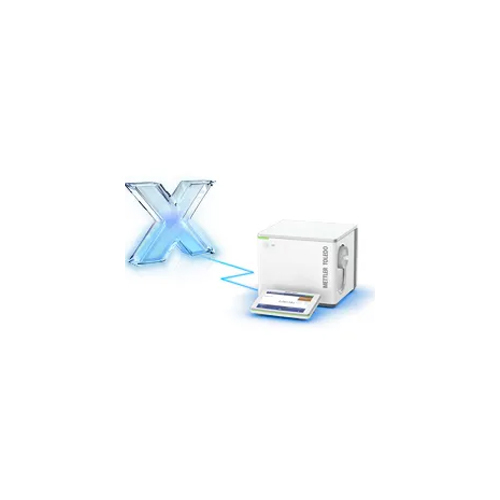
Control of multiple balances: LabX Balance Software allows users to control and manage multiple balances from a single computer, simplifying the weighing process and reducing the risk of errors.
Customizable user interface: The software has a customizable user interface that allows users to configure the software to meet their specific needs and preferences.
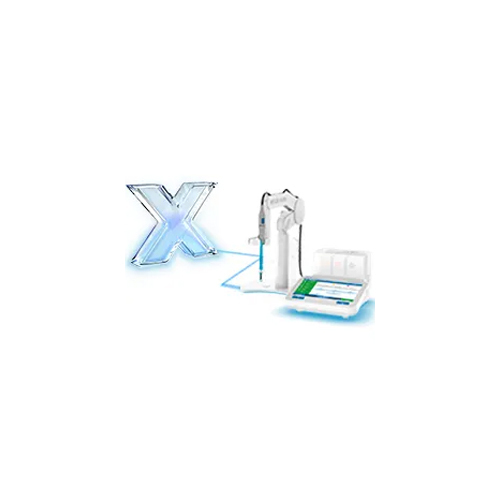
Automated data transfer: LabX Balance Software can automatically transfer data from the balances to the computer, eliminating the need for manual data entry and reducing the risk of errors.
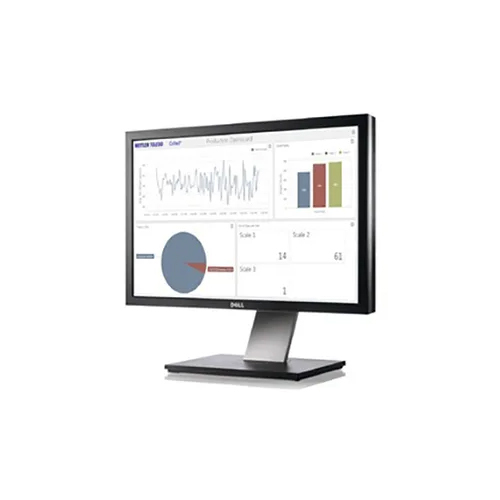
Data collection and analysis: The software can collect and analyze data from multiple balances simultaneously, making it easy for users to track and analyze weighing data over time.
Compliance with regulations: LabX Balance Software is designed to comply with various regulations and guidelines, including FDA 21 CFR Part 11, ensuring that data is secure and auditable.
The software is compatible with a range of Mettler-Toledo balances and scales, including the Excellence, NewClassic, and XPR lines.
Overall, LabX Balance Software is a powerful tool for managing and controlling laboratory weighing processes, reducing the risk of errors and improving the accuracy and efficiency of weighing procedures.
Advanced Compliance and SecurityLabX Balance Software is engineered to meet stringent laboratory regulatory standards, including 21 CFR Part 11, GLP, and GMP. Comprehensive security protocols-such as password protection, user-level access controls, and audit trails-provide traceability and ensure data integrity. This focus on compliance makes LabX an essential tool for regulated environments.
Flexible Data Reporting and ExportWith automatic report generation and fully customizable templates, LabX simplifies documentation processes. Data can be exported directly in multiple formats, including Excel, PDF, XML, and CSV. These capabilities enable labs to maintain accurate records and facilitate seamless sharing with stakeholders or regulatory bodies.
Device Integration and Remote OperationLabX supports seamless connection to printers and barcode readers for efficient data handling and tracking. Its remote monitoring and control features allow users to operate balances and manage workflows from anywhere, enhancing flexibility for laboratory staff. Supported by a touchscreen interface and multiple connectivity options, LabX adapts to diverse working environments.
FAQ's of LabX Balance Software:
Q: How does LabX Balance Software support regulatory compliance in laboratory settings?
A: LabX Balance Software is designed to support compliance with 21 CFR Part 11 and GLP/GMP standards. It incorporates secure user login controls, password management, and a detailed audit trail feature to ensure traceability and maintain integrity of all recorded weighing data, helping labs meet regulatory requirements efficiently.
Q: What data export formats are available in LabX and how are reports generated?
A: LabX offers automatic report generation with customizable templates, supporting export formats such as Excel, PDF, XML, and CSV. This flexibility makes it easy to share and archive records with internal stakeholders or external regulatory agencies, streamlining compliance documentation and reporting.
Q: When should I update LabX software and how is the update process managed?
A: Software updates for LabX can be performed easily via the internet, ensuring your system remains secure and current. It's recommended to check for updates periodically or schedule them according to your laboratory's maintenance protocols, minimizing downtime and maximizing productivity.
Q: Where can LabX Balance Software be integrated for optimal workflow?
A: LabX is compatible with METTLER TOLEDO balances and Windows OS computers, and can be seamlessly connected to printers and barcode readers. This allows it to be deployed across various laboratory instruments and workstations, facilitating centralized data control and device management.
Q: How does LabX manage user access and security for multiple personnel?
A: LabX supports multi-user access with distinct roles for users and administrators. Each user is assigned specific access levels, managed through user login and password protection. The audit trail records all user activities, enhancing accountability and security across the laboratory workflow.
Q: What benefits does remote operation bring to laboratory management with LabX?
A: Remote monitoring and control through LabX enables laboratory managers and staff to oversee balance operations, access data, and adjust workflows from any location. This flexibility reduces hand-on time, increases operational efficiency, and supports real-time decision-making.