Product Description
In spite of an extremely durable and accurate scale that weighs hundreds of trucks per day without good datamanagement software profits could still be lost In addition free software is inefficient and unsafe METTLER TOLEDO DataBridge technology protects your business
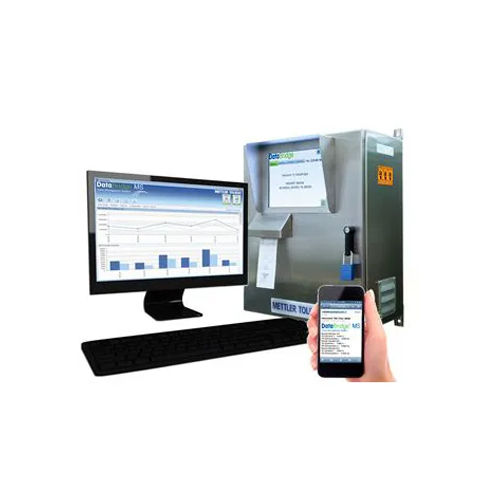
DataBridge MS
A very sophisticated datamanagement system DataBridge MS is used by many large companies This powerful tool boasts several features not found anywhere else
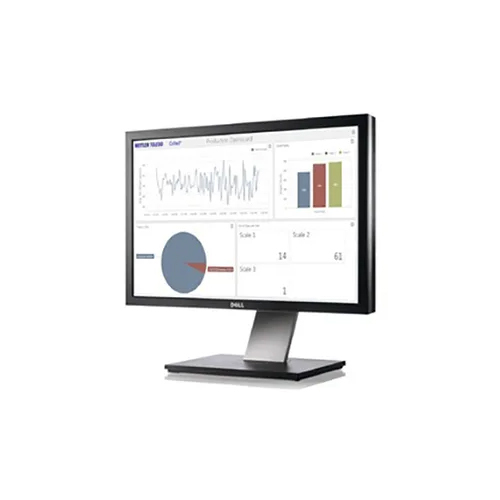
Visualization of data that is clear and sophisticated
Automating and preventing fraud with drivers terminals cameras and hardware
Multiuser data sharing in real time
Customized roles for users
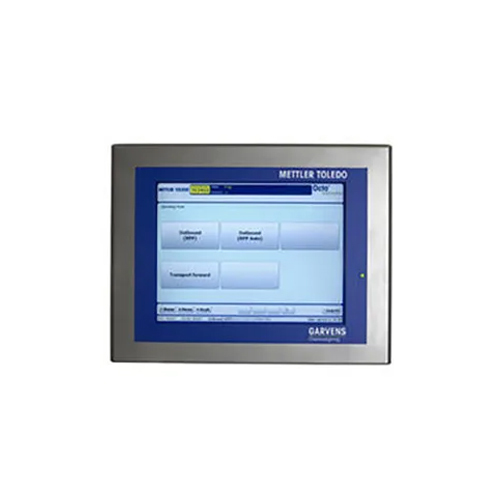
DataBridge SS
Vehicle weighing operations can be automated with DataBridge SS scalehouse software This powerful software package can make your business more profitable regardless of how long it has been operating or how new it is
Effortless Installation and Broad CompatibilityDataBridge Software offers flexible installation options, including both direct and remote methods, ensuring a quick setup tailored to your organizational needs. Its Windows-based interface is compatible with Windows OS as well as major cloud platforms, extending its usability to a wide range of system infrastructures in India.
Comprehensive Data Security and ComplianceSecure your sensitive business data with multi-level encryption and role-based access controls. DataBridge complies with GDPR and established industry standards, providing organizations with confidence in managing and exchanging data securely across various applications.
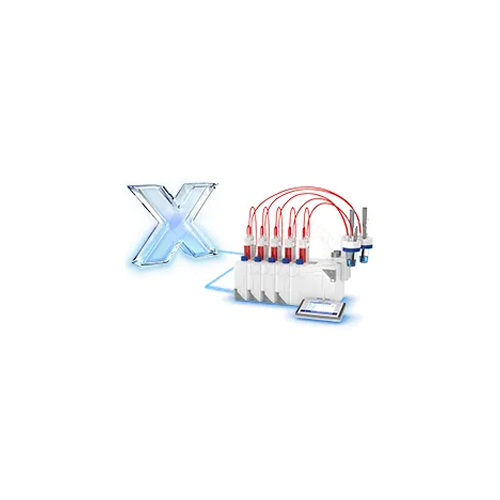
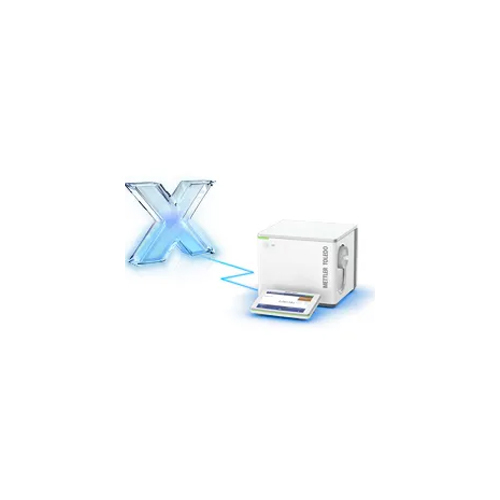
Seamless Integration and Advanced ReportingEnhance your business operations by connecting DataBridge with ERP, CRM, and third-party applications using robust API integrations. Benefit from customizable reports and dashboards, enabling informed decision-making and efficient data management for dealers, exporters, and service providers alike.
FAQ's of DataBridge Software:
Q: How can I install DataBridge Software in my organization?
A: You can install DataBridge Software either directly on-premises or remotely through online support. Our installation process is streamlined for Windows systems and compatible cloud platforms, ensuring a quick and efficient setup.
Q: What types of connectivity does DataBridge Software support for data exchange?
A: DataBridge supports multiple connectivity options, including WiFi, LAN, and WAN, making it adaptable for various network environments and enabling seamless data flows between systems.
Q: When should I perform data backups, and what backup methods are available?
A: DataBridge offers both automated scheduled backups and manual backup options. You can set automatic backups to run at convenient times or initiate a manual backup before performing major system changes.
Q: Where can I access software updates for DataBridge?
A: Software updates are delivered online. Simply use the built-in update feature within DataBridge Software to download and install the latest enhancements and security patches.
Q: What user management capabilities does DataBridge offer?
A: DataBridge provides advanced user management tools, allowing administrators to define user roles, permissions, and access levels for up to 500 users, enhancing control and security across your organization.
Q: How does DataBridge ensure the security and compliance of sensitive business data?
A: The software incorporates multi-level encryption and role-based access controls, and it complies with GDPR and industry standards, ensuring your data is protected and handled according to regulatory requirements.
Q: What are the benefits of integrating DataBridge Software with ERP and CRM platforms?
A: Integrating DataBridge with ERP and CRM applications streamlines data interchange, improves data visibility, and helps automate workflows. This delivers operational efficiency and supports better business decision-making for various industries.