Product Description
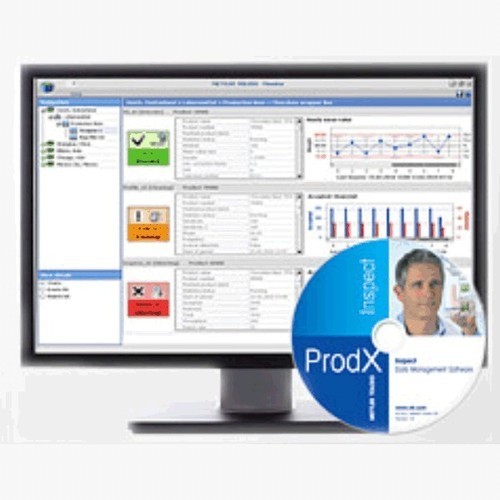
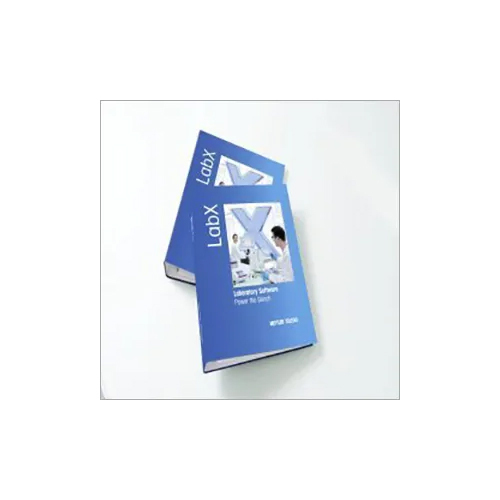
LabX UV Vis Software is a software solution developed by Mettler-Toledo for UV-Vis spectroscopy analysis. It is designed to help users automate and streamline the UV-Vis spectroscopy analysis process, from sample preparation to data analysis.
The software offers a range of features, including:
Intuitive user interface: The software has a user-friendly interface that makes it easy for users to set up and run UV-Vis spectroscopy experiments.
Automated data transfer: LabX UV Vis Software can automatically transfer data from the UV-Vis spectrophotometer to the software, eliminating the need for manual data entry.
Real-time monitoring: The software provides real-time monitoring of UV-Vis spectroscopy experiments, allowing users to quickly detect any issues and make adjustments as needed.
Flexible data analysis: LabX UV Vis Software offers a range of data analysis tools, allowing users to analyze and visualize data in a variety of formats.
Compliance with regulations: The software is designed to comply with various regulations and guidelines, including FDA 21 CFR Part 11, ensuring that data is secure and auditable.
The software is compatible with a range of Mettler-Toledo UV-Vis spectrophotometers, including the UV5, UV7, and UV5Bio models.
Overall, LabX UV Vis Software is a powerful tool for automating and streamlining the UV-Vis spectroscopy analysis process, reducing the risk of errors and improving the accuracy and efficiency of UV-Vis spectroscopy experiments.
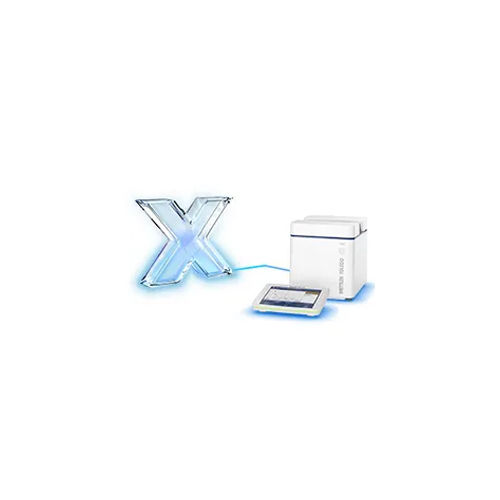
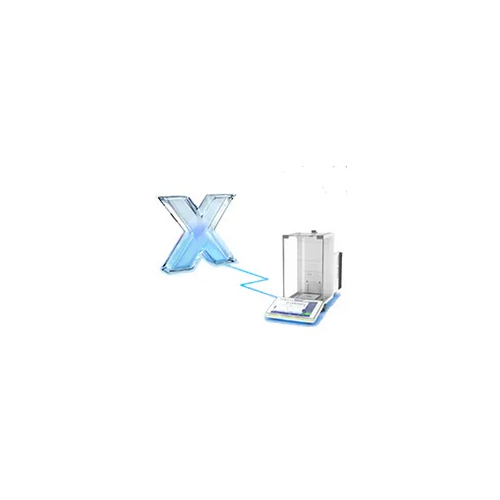
Seamless Instrument IntegrationLabX UV Vis Software is engineered to work effortlessly with METTLER TOLEDO UV-Vis spectrophotometers, enabling direct, reliable instrument control and streamlined laboratory operations. Multi-user access and support for Ethernet and USB connectivity ensure robust performance even in networked lab environments.
Flexible Data Management and ExportUsers can securely store data either locally or in the cloud and export results in various formats, including Excel, PDF, CSV, and XML. These options simplify data sharing, regulatory reporting, and ensure compatibility with broader laboratory information systems.
Security and Audit Trail FeaturesProtect sensitive data using multi-level user access control and robust data encryption. Track all actions with comprehensive audit trails, maintaining compliance and transparency for laboratory processes and data integrity.
FAQ's of LabX UV Vis Software:
Q: How can I export laboratory data from LabX UV Vis Software?
A: LabX UV Vis Software offers multiple export formats, including Excel, PDF, CSV, and XML, to facilitate easy data sharing and reporting. Users select their preferred format directly through the graphical user interface during the export process.
Q: What are the benefits of the software's security features for laboratory users?
A: The software provides multi-level user access control, data encryption, and audit trails. These features safeguard sensitive laboratory information, limit unauthorized access, and ensure accountability in data handling and reporting activities.
Q: When are software updates provided for LabX UV Vis Software?
A: Automatic online updates are available for LabX UV Vis Software, ensuring that users always have access to the latest features and security enhancements without manual intervention.
Q: Where can LabX UV Vis Software store operational data?
A: LabX UV Vis Software allows users to store their data locally on lab computers or leverage cloud-based storage solutions, offering flexibility according to security and accessibility needs.
Q: What is the process for installing LabX UV Vis Software in a multi-user laboratory?
A: Users can choose between single or network installation modes, enabling deployment on individual workstations or across multiple networked computers. A minimum of 4GB RAM and 10GB free disk space is recommended for smooth operation.
Q: How does customizable report generation enhance laboratory workflow?
A: Customizable report templates let users tailor generated reports to meet specific project, regulatory, or client requirements, improving clarity and compliance while saving time in documentation.